Don't use SWC when you're using Nestjs Monorepo

Overview

There was a release of version 10 in Nest.js this June.
There were some changes like
- Simple SWC support
- Module overriding feature in testing
- Redis wildcard subscription
- CacheModule separated from @nestjs/common to @nestjs/cache-manager
SWC Integration
npm i --save-dev @swc/cli @swc/core
nest start -b swc
That's all you need to do to use SWC.
It's lightning fast when you use in standard mode.
In Monorepo
When It comes to Monorepo, It's not.
Nest.js provides monorepo mode.
Let's Try SWC.
// nest-cli.json
{
  "compilerOptions": {
    "builder": "swc", // this is equivalent to "-b swc" in cli
    "typeCheck": true,
    "deleteOutDir": false,
    "tsConfigPath": "apps/api/tsconfig.app.json"
  }
}
This is what you'll get.
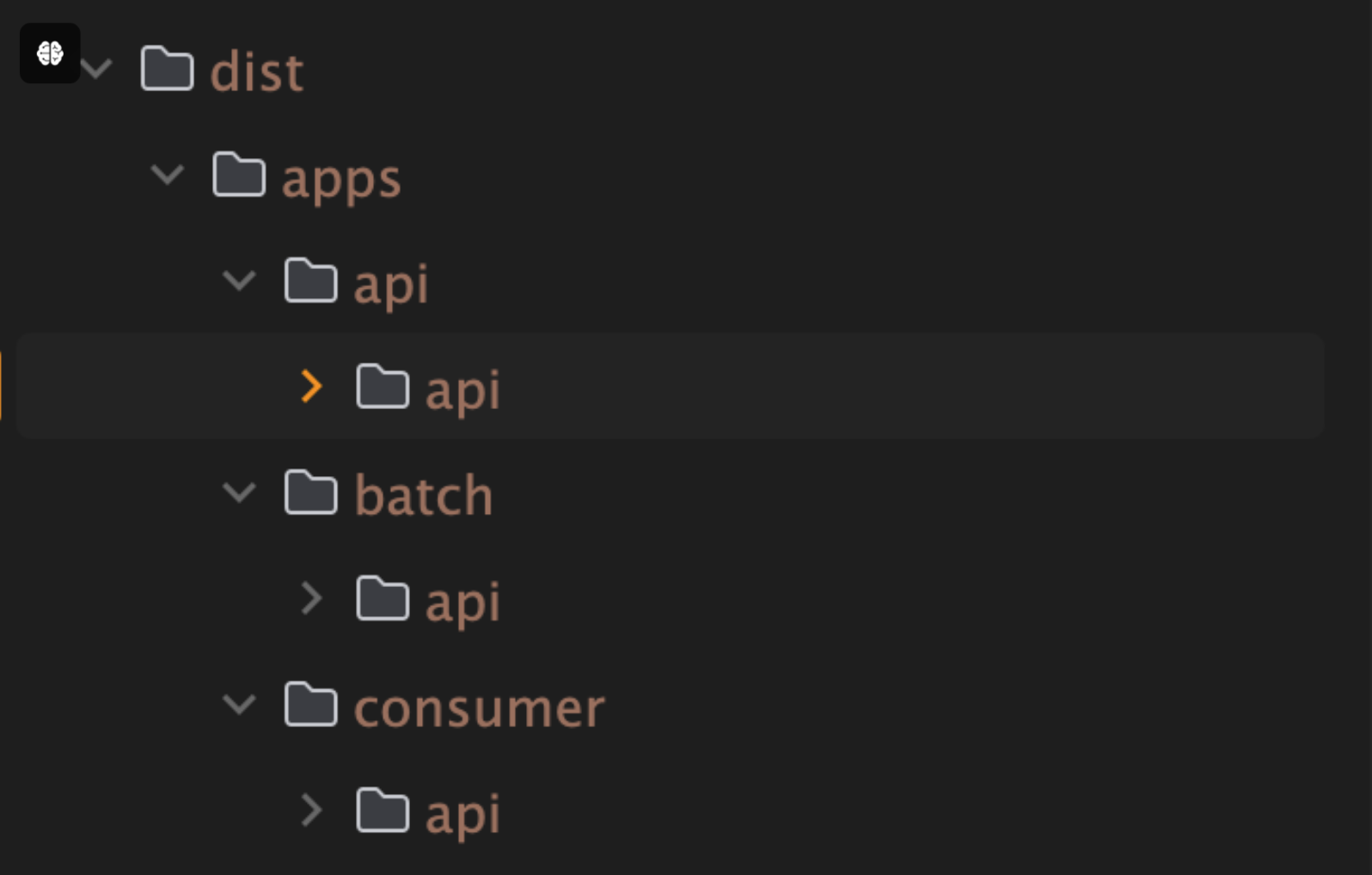
This is due to SWC doesn't have a built-in modules resolution system.
It only builds root project of your repository.
Here come a Webpack
Since webpack has module resolution, it's going to do job for us.
// nest-cli.json
{
  "compilerOptions": {
    "builder": "webpack",
    "deleteOutDir": false,
    "tsConfigPath": "apps/api/tsconfig.app.json"
  }
}
SWC>

Webpack>

Of course, I configured a swc-loader in webpack.
and I double checked swc configuration was imported to webpack.
I'm not sure whatw as the problem. but with webpack, swc performance goes down.
And One more thing.
Webpackbundles your project files into a one big chunk.
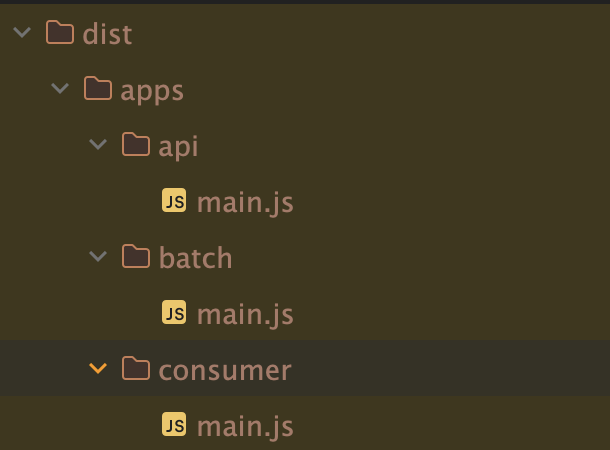
If you're using
TypeORMorMikroORM, You'd probably imports your entities like this.
This will break your app.{
entities: ['dist/**/*.entity.js', 'libs/**/*.entity.js'],
entitiesTs: ['libs/**/*.entity.ts']
}There is a way to not to bundle your files by configuring entry and output of
webpack.config.
But, I won't recommend.
My Conclusion
- Using
SWCinstandard mode: go for it. - Using
SWCinmonorepo mode: Don't. unless you can make your own custom scripts that can manage all the problems
